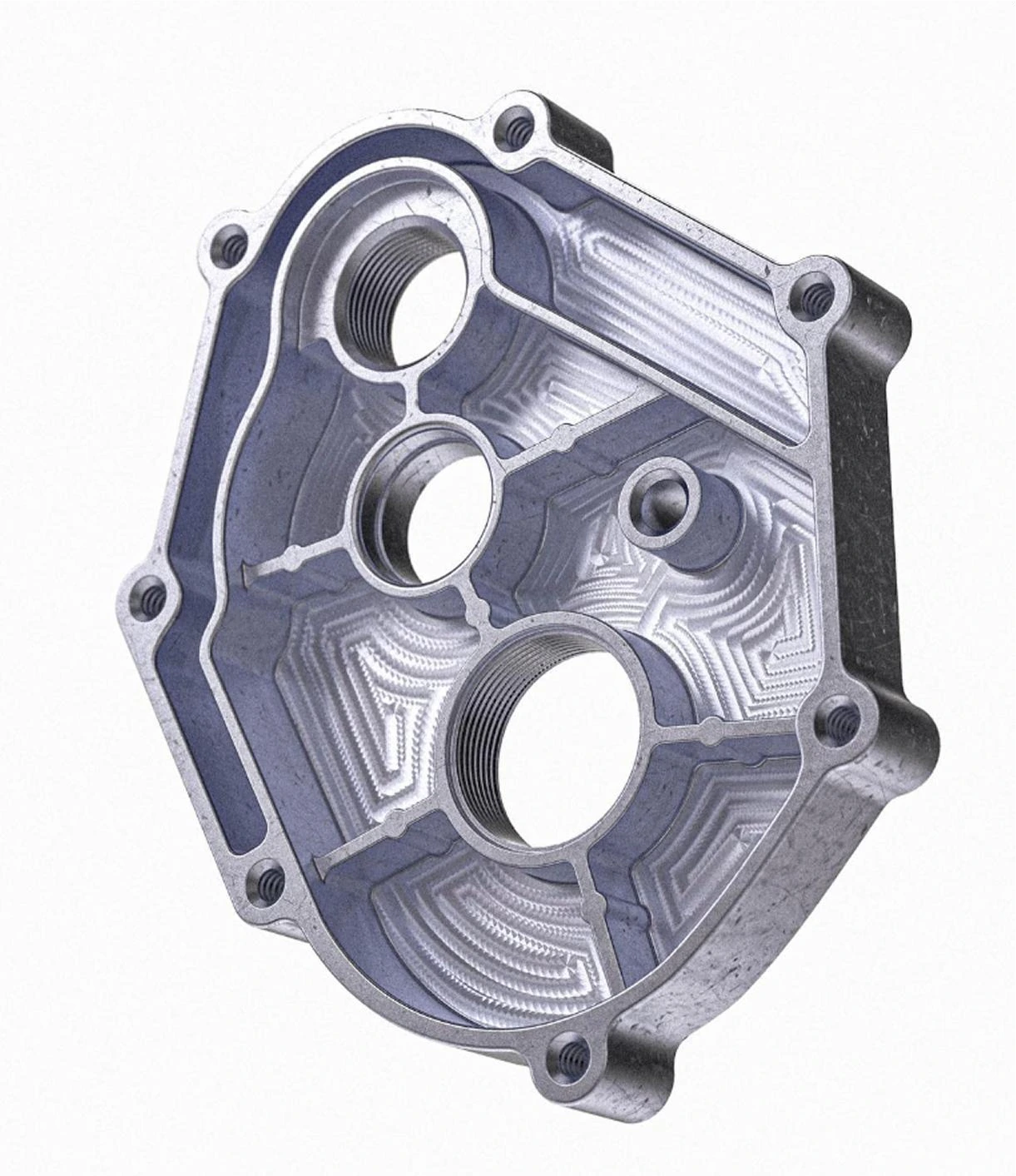





Built to Cut.
Watch Mantis cut real metal, change tools automatically, and bring fine details to life.
Your First CNC. Made Easy.
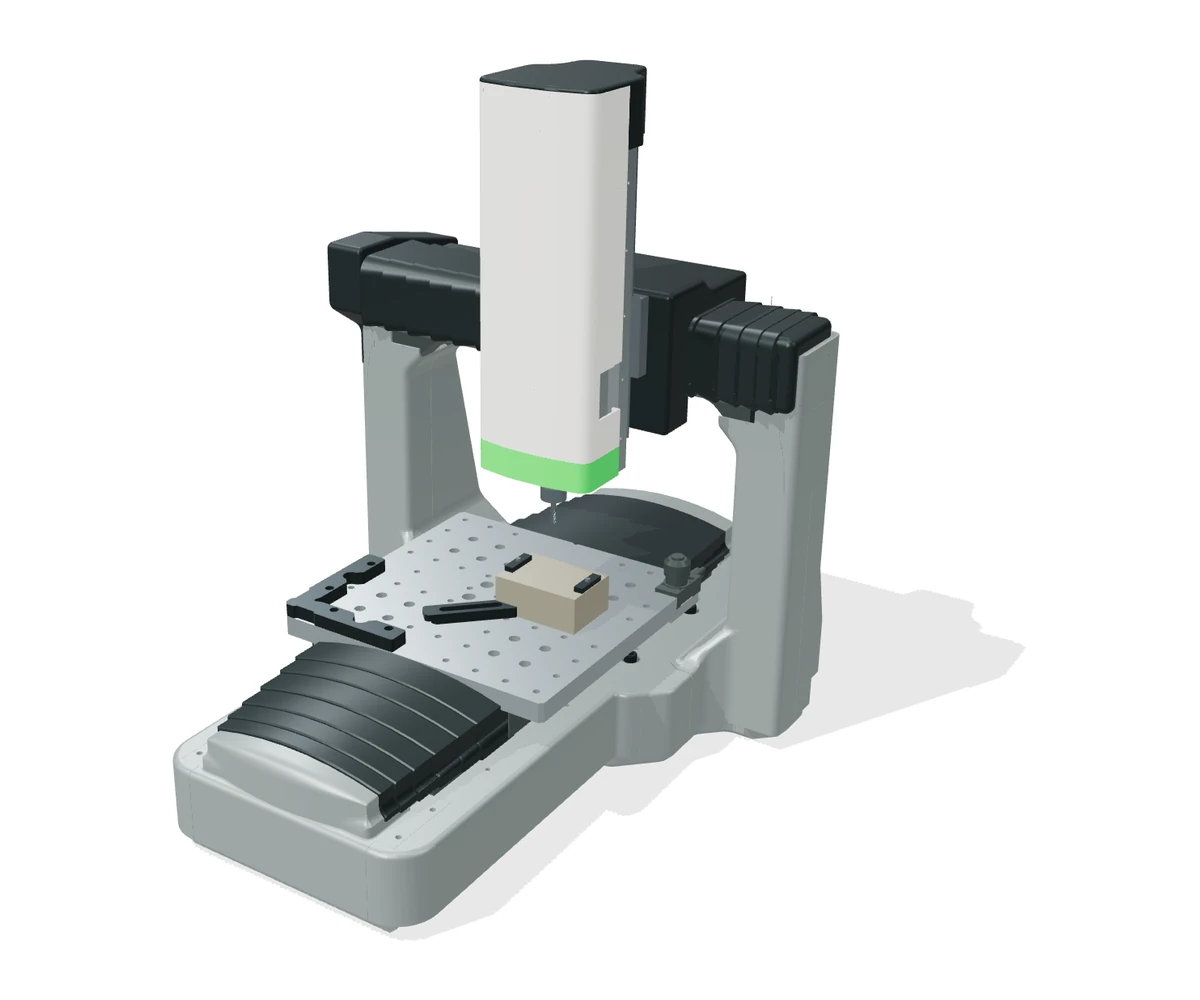
Interactive 3D view
Watch Mantis cut real metal, change tools automatically, and bring fine details to life.

From custom parts to personal creations, discover what you could make with Mantis.
Let AI help plan multiple setups, generate custom fixtures, and guide you through each stage of machining.
Generate custom fixtures to hold your part through each machining setup. Review the workholding before you start.

Bring your Fusion 360 toolpaths to Mantis with compatible G-code export.

Use SolidCAM to plan your machining and export compatible G-code for Mantis.
Prepare your machining in Siemens NX and run compatible G-code on Mantis.
MANTIS AI CAM · EARLY ACCESS
Apply for early access to Mantis AI CAM.
Once approved, we’ll email you download links for macOS (.dmg) and Windows (.exe).

14 tools for a smoother workflow. Automatically switch between operations on A1 Pro.
Mantis A1 Pro
Automatically locate your stock and compensate for surface variations. Less manual setup, more making.
Mantis A1 Pro
A 600W spindle, SFU1204 ball screws, and EGH15 linear guides provide a solid foundation for metal cutting.

A one-piece cast aluminum body offers a 200 × 200 × 120 mm work envelope and 0.01 mm positioning repeatability.

Explore more machining angles with optional 5-axis expansion, opening up new possibilities for your next project.
Make something that is yours.
Explore project inspiration A City in Relief
Architectural details, carved into wood.
Explore project inspirationExplore the possibilitiesFind your next machining project.
Explore project inspiration Stories in the Grain
Bring illustrated characters into depth.
Explore project inspirationFrom model to makingTurn a digital idea into a real object.
Explore project inspiration
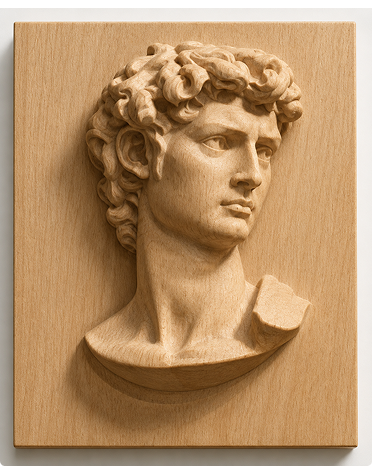 Small details. Real depth.
Explore sculptural forms.
Explore project inspirationDesigned by youCustom parts and personal projects.
Explore project inspiration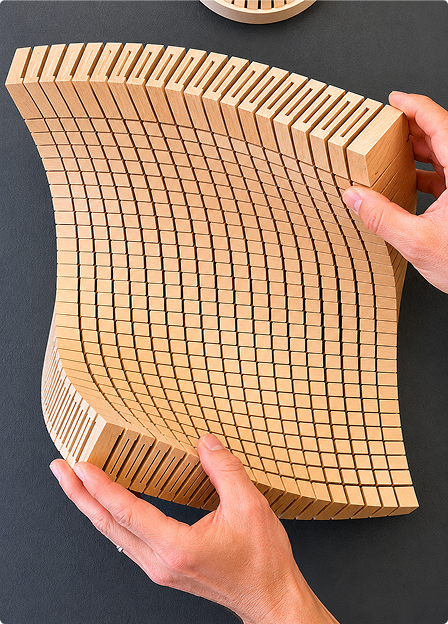 Make it personal
Create something for your everyday.
Explore project inspiration An idea worth makingDiscover what others are creating.
Explore project inspirationShare your processLearn from the maker community.
Explore project inspiration A different perspective
Make a portrait in relief.
Explore project inspirationYour next creationVisit the project community.
Explore project inspirationI’d been 3D printing for years, but CNC always felt out of reach. Mantis helped me figure out the setup and toolpaths. Holding that first aluminum part I’d made was a whole new kind of satisfaction.

Rob WitoffMaker & Mantis Early Tester

From STEP upload to a machining plan.
First-time CNC users who completed their first project.
MAKE IT WITH MANTIS
Ready to make it real?
Join the Mantis A1 launch list for Kickstarter updates, early-bird pricing, and fresh project inspiration.
Equipped with a manual tool-change spindle for a wide range of CNC projects.
$999 USD
MSRP $1499

 Work Envelope (X × Y × Z): 200 × 200 × 120 mmMaximum Workpiece Weight: 30 kg / 67 lbMaximum Stock Dimensions: To be announcedWorkholding Interface: To be announcedFrame Construction: One-Piece Cast Aluminum BodyBall Screws: SFU1204Linear Guides: EGH15Machine Dimensions: To be announcedMachine Weight: 32 kgSpindle Power: 600 WSpindle Speed: 24,000 rpmSpindle Runout: To be announcedCollet / Toolholder Type: To be announcedSupported Shank Diameters: To be announcedMaximum Tool Diameter: To be announcedSpindle Cooling: To be announcedPositioning Repeatability: 0.01 mmAxis Travel Speeds: To be announcedDrive System: SFU1204 ball screwsLinear Guides: EGH15Tool Setting: To be announcedWorkpiece Probing: To be announcedSurface Mapping & Compensation: To be announcedOptional 5-Axis Expansion: OptionalRotary Axis Travel: To be announcedSupported Machining Modes: To be announcedRotary Workpiece Capacity: To be announcedSupported Materials: Metal; full material list to be announcedCutting / Cooling Method: To be announcedDust Extraction: To be announced
Features a 14-tool automatic tool changer for seamless transitions between machining operations.
$1499 USD
MSRP $1799
Work Envelope (X × Y × Z): 200 × 200 × 120 mmMaximum Workpiece Weight: 30 kg / 67 lbMaximum Stock Dimensions: To be announcedWorkholding Interface: To be announcedFrame Construction: One-Piece Cast Aluminum BodyBall Screws: SFU1204Linear Guides: EGH15Machine Dimensions: To be announcedMachine Weight: 32 kgSpindle Power: 600 WSpindle Speed: 24,000 rpmSpindle Runout: To be announcedCollet / Toolholder Type: To be announcedSupported Shank Diameters: To be announcedMaximum Tool Diameter: To be announcedSpindle Cooling: To be announcedTool Capacity: 14Tool Change Time: 15 sMaximum Tool Length / Weight: To be announcedAutomatic Tool Length Measurement: SupportedPositioning Repeatability: 0.01 mmAxis Travel Speeds: To be announcedDrive System: SFU1204 ball screwsLinear Guides: EGH15Automatic Centering: SupportedWorkpiece Probing: SupportedSurface Mapping & Compensation: SupportedOptional 5-Axis Expansion: OptionalRotary Axis Travel: To be announcedSupported Machining Modes: To be announcedRotary Workpiece Capacity: To be announcedSupported Materials: Metal; full material list to be announcedCutting / Cooling Method: To be announcedDust Extraction: To be announcedMAKE IT WITH MANTIS
Ready to make it real?
Join the Mantis A1 launch list for Kickstarter updates, early-bird pricing, and fresh project inspiration.
No prior CNC experience is required to get started. Mantis guides you through machining strategies, workholding, toolpath generation, and simulation. You’ll still need to install your tools, secure your material, and follow the setup and safety instructions.
From custom parts to personal creations, Mantis is designed to help you turn your ideas into machined parts. Explore the project community for inspiration.
Mantis is built for metal cutting. The full supported-material list and recommended cutting parameters will be shared with launch updates.
Upload your model, plan with AI, and preview your part. Review the machining strategy, workholding, and toolpaths, then follow the calibration and setup guidance before starting.
Yes. You can prepare toolpaths in software such as Fusion 360, SolidCAM, or Siemens NX and export compatible G-code. Always verify the post-processor and toolpaths for your machine.
Mantis A1 uses manual tool changes. A1 Pro adds a 14-tool automatic tool changer and automatic probing and leveling. Compare the models and specifications above.
You’ll need your machine, a supported computer, suitable cutting tools, stock material, and secure workholding. The final package contents and setup guide will be shared at launch.
Mantis A1 is preparing for launch on Kickstarter. Join the launch list for availability, early-bird pricing, and launch announcements.